Give the Agent a Good Engineering Workflow
AI coding gets interesting when it stops being a better autocomplete and starts participating in the whole delivery loop. This post is about the loop that published the post before it: a draft out of a chat window, an agent working inside the real repository, the project’s own test suite, and the deployment pipeline that was already there.
The interesting part is not that an AI can write Markdown. Everyone knows that by now. The interesting part is that it can do the work inside the same engineering system I already use, and be constrained by it.
Idea / source material
        |
        v
AI-assisted article draft
        |
        v
Coding agent inside the repository
        |
        +--> inspect existing project
        +--> create/update files
        +--> run tests
        +--> fix problems
        |
        v
Git commit + push
        |
        v
GitHub Actions
        |
        v
Build / Docker / deployment
        |
        v
Published blog post
That is a meaningfully different shape from copying an answer out of a chatbot and pasting it into a CMS. The repository stays the source of truth, the existing tests still have to pass, and the normal deployment process runs untouched.
Step 1: start with the content
The first stage is just writing. For a technical post I want structure rather than a wall of text: a title worth clicking, a real introduction, headings someone might search for, explanations that hold up, diagrams or code where they earn their place, screenshots that actually support the story, and an ending that goes somewhere.
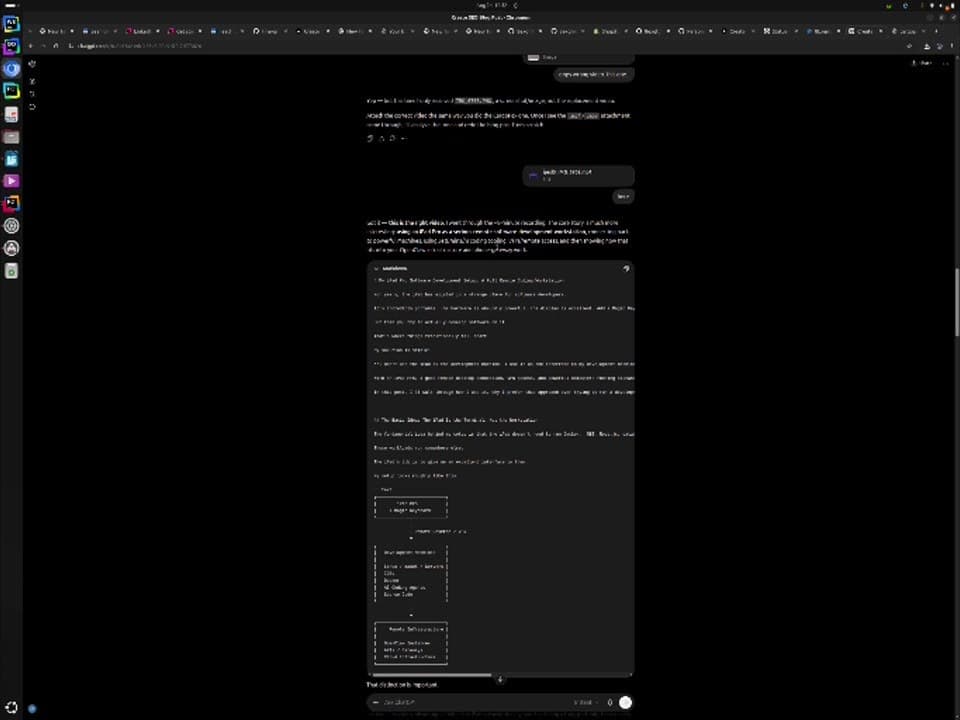
A model is good at turning rough material into that shape. But producing the draft is the easy half. The real question is how fast it can get from a chat window onto the actual site without abandoning any of the engineering practice around the site.
Step 2: give the agent the real repository
Rather than creating files by hand and copying sections around, I open the project in my IDE and let the coding agent work against it directly.
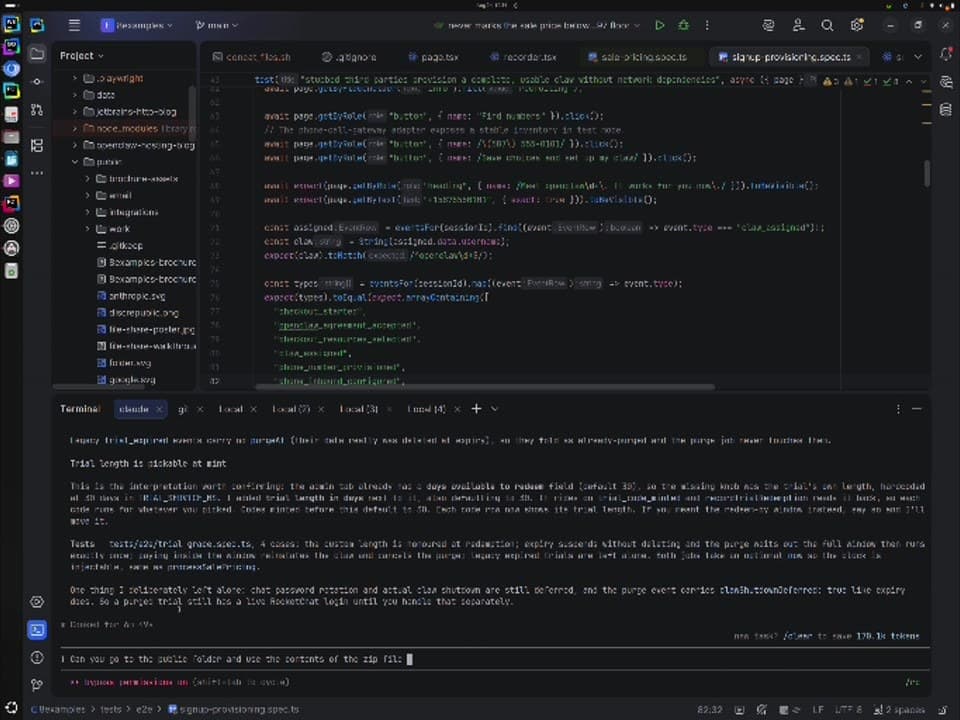
This is the thing a standalone chat window cannot have: context. The agent can go and look at where blog posts live, how the existing ones are written, what the image folders are called, how metadata is declared, what the build does, what the tests cover, and how deployment is configured.
That matters because almost no real task is an isolated snippet. On this site a post is not a Markdown file. It is a page.tsx under src/app/blog/<slug>/ with typed Next.js metadata, an OpenGraph block, a JSON-LD TechArticle schema, images imported as static assets from a folder at the repository root, and a couple of local components for figures and code blocks. Nobody told the agent that. It read the two existing posts and matched them.
The conventions then do real work. The sitemap on this site is generated at build time by walking src/app for page files and reading the publication date back out of each page’s own metadata, so a new post lists itself the moment it ships. There is no index to update and therefore no index to forget.
Step 3: let the existing tests keep it honest
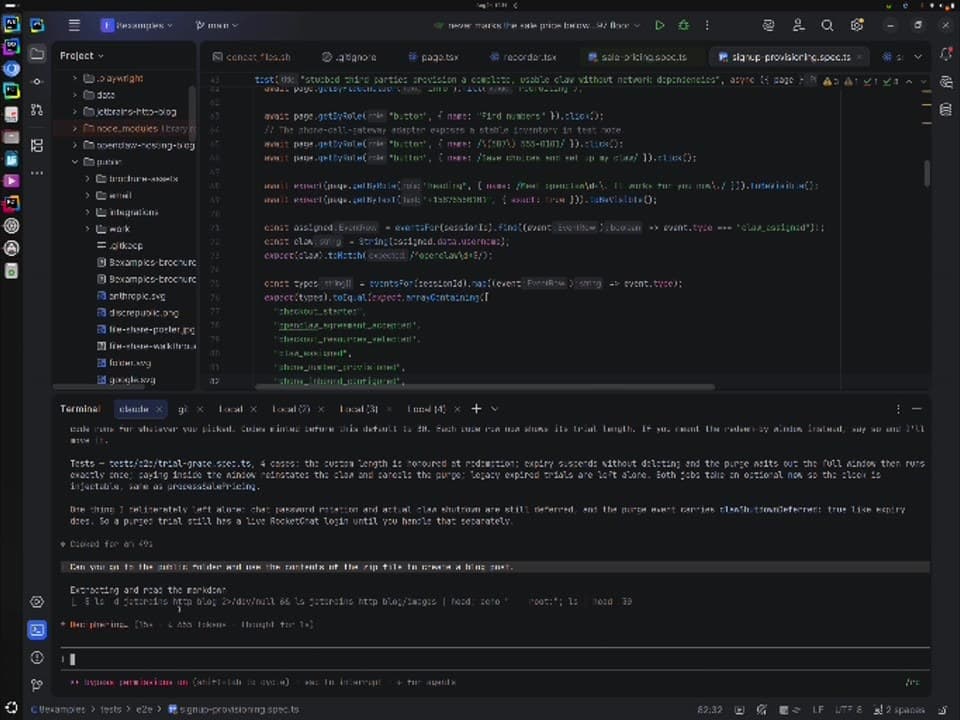
The part that makes this more than code generation is that the agent does not get to skip validation. This repository has a Playwright suite covering the parts that would be expensive to get wrong: signup and provisioning, the sale pricing projection, the replay recorder, the Hermes product split, and the trial grace period.
Change code
    |
    v
Run tests
    |
    +---- PASS ----> continue
    |
    +---- FAIL
            |
            v
      inspect failure
            |
            v
        modify code
            |
            +------> run tests again
A model can be wrong. An agent can misread a convention, make a bad assumption, or quietly break something three directories away. Tests give it objective feedback instead of my patience, and they give me a much stronger signal than “it looks right” that the change belongs in the repository.
The suite runs against stubbed third parties, gated on a CLAW_TEST_MODE flag, so Stripe, Cloudflare, the registrar, Rocket.Chat, email, and the phone gateway are never called. That boundary matters more than usual when something other than a human is deciding what to run.
Step 4: deployment is already code
This site is not published by a sequence of manual server steps that live in my head. The deployment configuration sits in the repository next to everything else, and the same is true of the other projects it talks to.
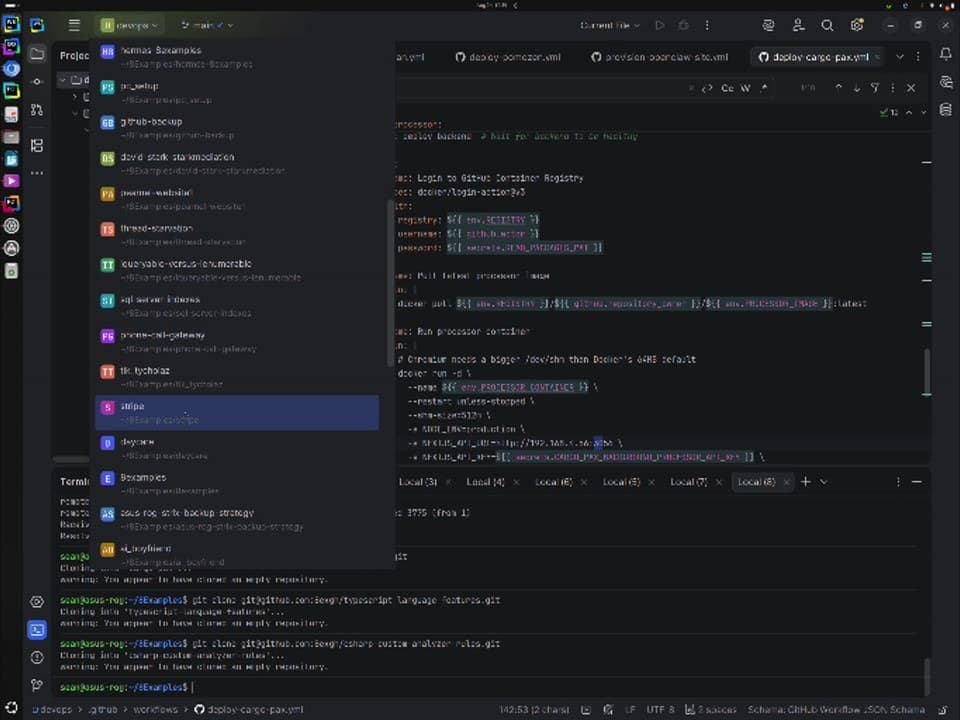
So the AI-assisted change needs no special publishing mechanism. Once the repository is in a valid state, it ships exactly the way a hand-written change would.
git add .
git commit -m "blog: ..."
git push
This is the principle I like most here. AI changes how the work gets produced. It does not have to change the delivery process around it, and it is better when it does not.
Step 5: the pipeline does the rest
The push triggers the workflow this repository has always had. It installs dependencies, installs Chromium, runs the end-to-end suite with the third parties stubbed, builds the standalone Next.js image with Buildx, pushes it to the GitHub container registry tagged latest and with a timestamp, and then fires a repository dispatch at a separate devops repo, where a self-hosted runner pulls the new image and swaps the container.
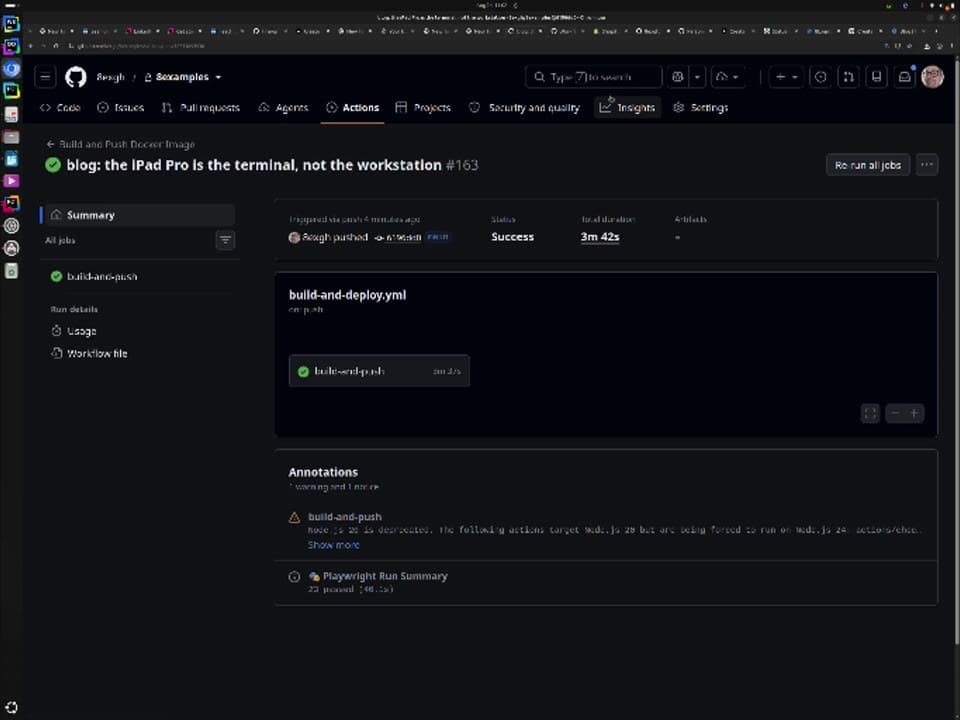
That green check is doing more than confirming a deploy. It says the article travelled through the same automated machinery as every other change to the application, and that the machinery was not weakened to let it through.
Step 6: it is live
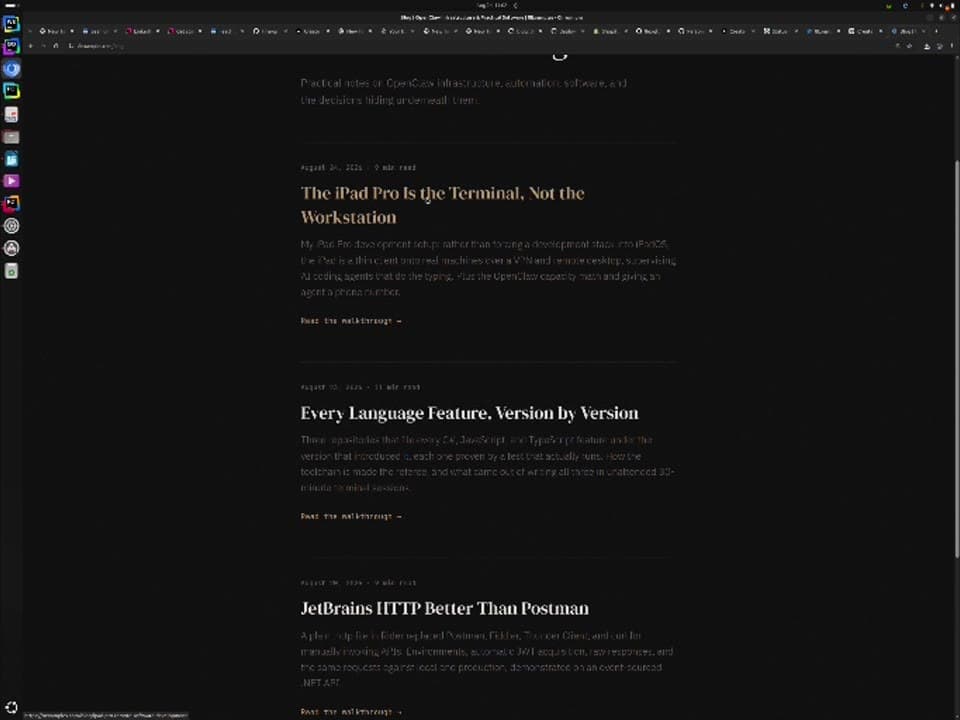
The artifact is only a blog post. But producing it touched a chat draft, a real codebase, an end-to-end test suite, Git, GitHub Actions, a container registry, and a production deployment. An agent participated across all of it, and every stage still did its job.
Why this beats copy and paste
The simplest AI workflow is: ask for something, copy the output, paste it somewhere, fix the formatting, find the right directory, add the assets, commit, run the build, fix whatever broke, deploy. That works. It also leaves every unglamorous step on the human, which is precisely the wrong division of labour.
The difference is small to describe and large in practice: a chatbot gives you an answer, an agent produces a change to a working system. The agent operates where the work has to end up anyway.
And crucially, the conversation does not become the canonical version of the work. The repository does. I still get history, diffs, blame, rollbacks, review, tests, reproducible builds, and the conventions the project already had. That is also why this is not disruptive to an established environment: you do not replace your IDE, your registry, or your pipeline with some giant AI platform. The agent fits inside the workflow you have.
Review is still the job
None of this is the same as accepting whatever comes out. My role moves toward specifying, reviewing, and steering, and the questions I am asking are consistent:
- Did it understand what I actually wanted, or a nearby easier thing?
- Does the change fit the architecture, or sit beside it?
- Did it expose anything it should not have?
- Are the tests it wrote meaningful, or shaped to pass?
- Is the content accurate, including the parts I did not check?
- Did the deployment behave the way I expected?
The third one is not hypothetical. On the previous post one screenshot showed a VPN hostname and internal addressing, so the prose deliberately did not repeat either, because indexed text is far easier to find than a photograph of a screen. That was a judgement call, and judgement calls are the part that does not delegate.
The takeaway
As agents improve, the metric worth watching is not how much code they can emit. It is how much of a closed loop they can carry: understand the codebase, plan, implement, test, diagnose, fix, validate, prepare a reviewable change. The closer that gets to reliable, the more of my time moves from mechanical implementation to intent, architecture, and judgement.
Give the agent access to a good engineering workflow, then let the workflow constrain and validate what it produces. The speed is only useful because the system around it is strict.
AI writes faster. That is the least interesting thing about it.
Comments 0
No comments yet. Start the conversation.