Giving OpenClaw a Phone
Most AI agents live inside a text box. But an agent does not fundamentally need to be tied to a chat interface. What happens if you give it a phone?
That is what I am experimenting with here: connecting a self-hosted OpenClaw instance to a phone gateway so the agent can cross the boundary between software running on a server and the ordinary telephone network.
The result changes how an AI agent can be used. Instead of always going to the agent, the agent can potentially call you.
The basic idea
The architecture is conceptually simple. OpenClaw remains the agent and orchestration layer. The phone integration becomes another interface.
Human Phone
    │
Phone Network
    │
Phone Gateway
    │
OpenClaw Agent
    │
 ├── LLM
 ├── Tools
 └── Web / APIs
The agent retains the tools, context, and automation capabilities it already has while gaining an entirely different way to communicate with a human.
The phone gateway is available on GitHub at 8exgh/phone-call-gateway.
Why a phone interface is interesting
Voice AI is not new. What is more interesting is connecting voice to a general-purpose agent that already has tools and can take actions. A traditional voice bot often follows a narrow predefined workflow. An agentic phone interface can reason about a request, inspect systems, call APIs, perform actions, and report the result.
The phone is not the intelligence. It is an input and output channel for the intelligence that already exists behind it.
Testing the experience from a real phone
A phone integration can look perfect inside development tools, but the experience changes when a real device, telephone connection, audio latency, and human interaction enter the loop. How quickly does the call connect? Can the user interrupt naturally? What happens during a tool call, or when an action fails?
Those details determine whether voice feels like a gimmick or a genuinely useful interface.
The agent can initiate the interaction
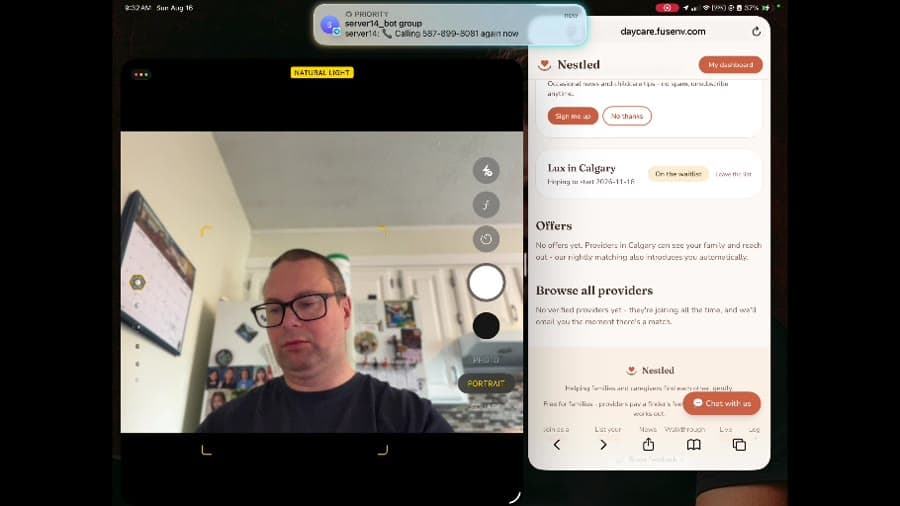
One of the most interesting moments in the demo is the phone receiving an incoming call as part of the workflow.
Agent detects something important
        │
        ▼
Agent calls human
        │
        ▼
Human handles it immediately
An agent could call when a deployment fails, a scheduled workflow needs a decision, or an automation reaches a point where human input is required. A push notification can be ignored. A phone call is much harder to miss.
Moving beyond notifications
The obvious first use case is alerting, but a phone-connected agent can do more than read a notification aloud. Because OpenClaw can use tools, the conversation can become interactive: explain why a deployment failed, confirm that the previous version is still running, then roll it back and create an issue when the human approves.
The interesting part is not speech synthesis. It is the combination of conversation, context, tools, and actions.
One agent, multiple interfaces
                 OpenClaw
                    │
       ┌────────────┼────────────┐
       │            │            │
     Phone         Web          Chat
       │            │            │
       └────────────┼────────────┘
                    │
                Same tools
                Same context
The phone becomes one channel among several. That is much more flexible than building separate intelligence into every application.
Why self-hosting makes this more interesting
Because OpenClaw is self-hosted, you control the agent runtime and the systems it can access. That matters when the agent needs to interact with private servers, internal applications, development environments, custom APIs, databases, or automation tools.
The public phone network can terminate at a controlled gateway, while the OpenClaw environment and everything behind it remain private.
Authentication becomes extremely important
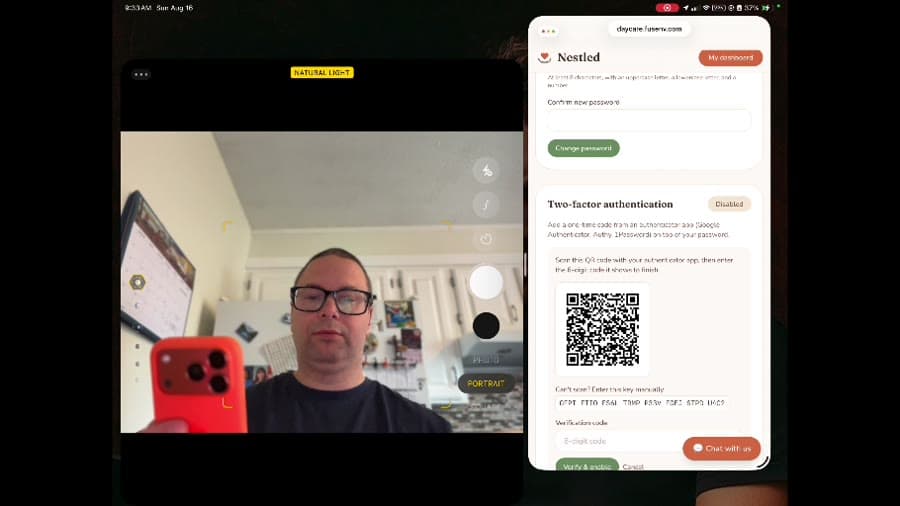
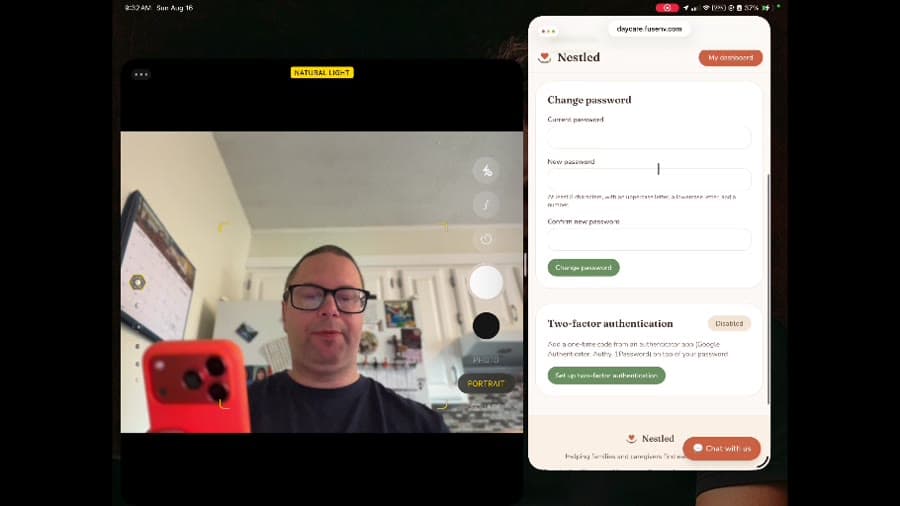
An agent capable of taking actions is fundamentally different from a read-only chatbot. Knowing the phone number should not imply authorization to use every tool the agent has. Useful layers include application authentication, two-factor authentication, trusted numbers, permissions per action, explicit confirmation for sensitive operations, and audit logging.
Separate conversation from authorization
Voice makes authentication particularly interesting because conversational identity and authorization are not necessarily the same thing.
Incoming request
       │
Who is calling?
       │
What are they allowed to do?
       │
Does this require confirmation?
       │
Execute tool
This lets low-risk requests stay convenient while sensitive actions require stronger verification.
Human-in-the-loop is a feature
A phone gateway creates a natural mechanism for human approval. If an autonomous agent reaches a decision it should not make by itself, it can call, explain the context, ask for approval or a change, then continue the workflow.
Autonomy does not have to mean removing humans entirely. It can mean involving humans only when their judgment is actually needed.
Treat the phone as another OpenClaw tool
OpenClaw tools
├── browser
├── shell
├── email
├── calendar
├── APIs
└── phone
    ├── call
    ├── speak
    ├── listen
    └── hang up
Now the agent can decide when a phone interaction is appropriate, just as it decides when to use a browser, email, or API. That is much more powerful than hard-coding a single voice workflow.
Where this gets useful
The most interesting use cases are personal and operational agents. An OpenClaw agent could watch a deployment, investigate a failure, and call only when it needs a decision. It could escalate time-sensitive personal automation, explain the state of remote infrastructure while you are away from a computer, or bring a person into a long-running workflow without requiring them to keep an application open.
The interface to AI is becoming interchangeable
Today we tend to think, I use this AI through this website. Agentic systems suggest a different model: I have an agent, and I can reach it through whatever interface makes sense right now.
That might be a browser, terminal, iPad, chat application, API, or phone call. The agent remains the same. Only the interface changes.
The phone gateway is not really about phones
It is about decoupling an AI agent from the interface used to reach it. Run the agent in a self-hosted OpenClaw environment, connect it to a phone gateway, preserve its tools and integrations, and surround sensitive actions with strong authentication and authorization.
A chatbot waits for you to open it. An agent with a phone can come find you.
Comments 0
No comments yet. Start the conversation.