How I Host 100+ OpenClaw Instances Without Paying for 100 Servers
I built the hosting system behind 8Examples OpenClaw: independent AI workers that are isolated, durable, reachable from the Internet, and equipped with browsers that behave like real graphical browsers.
The obvious solution was also the expensive one: give every OpenClaw its own virtual machine. But that was not the unit the workload actually required. This is how I turned the simplest architecture into the production system I use to provide managed OpenClaw hosting at 8Examples.
1. Start with one virtual machine per OpenClaw
For 100 OpenClaw instances, the straightforward architecture is one VM per instance. It is wonderfully simple to reason about, but the economics are less attractive.
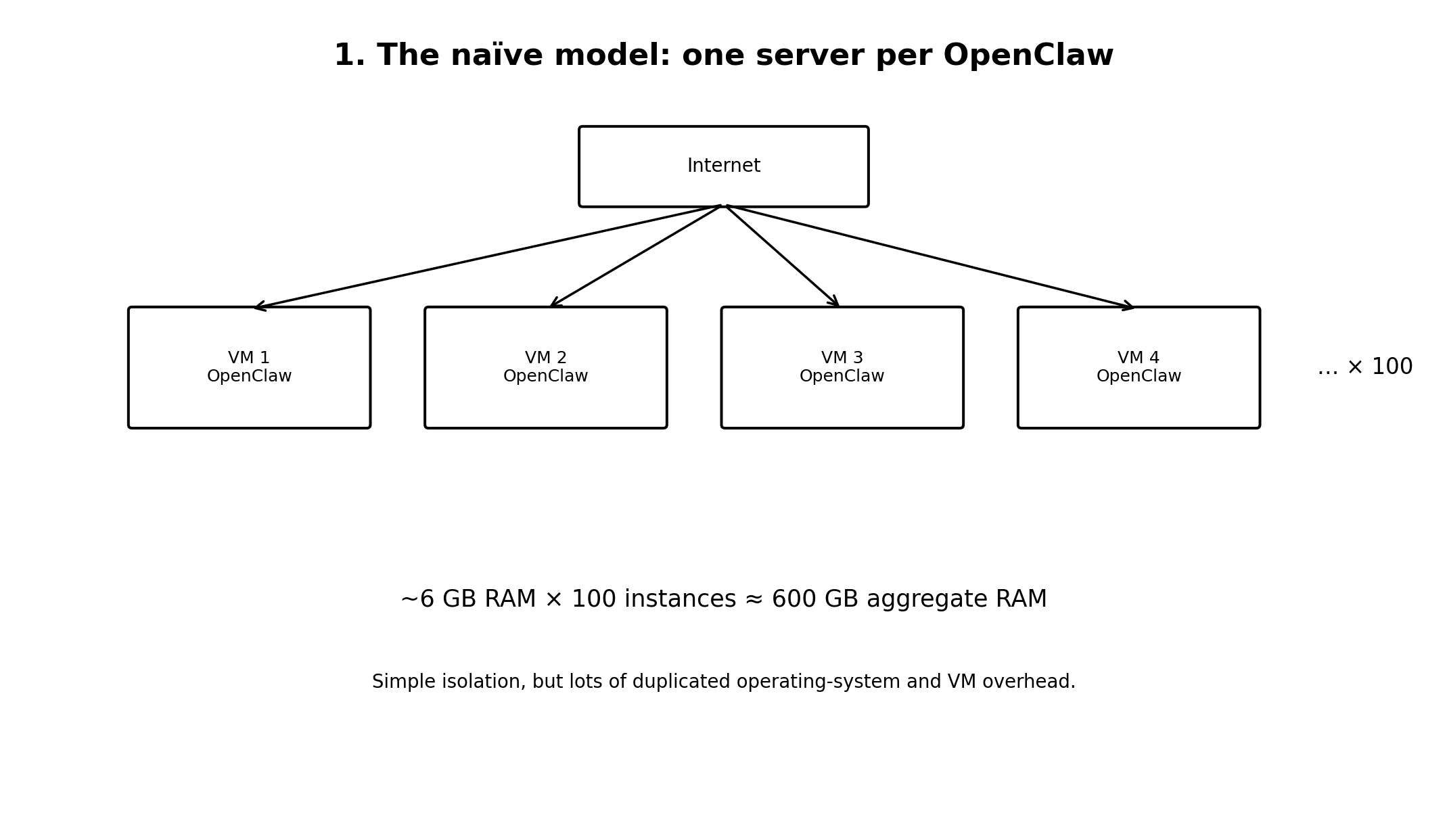
If an individual instance needs roughly 6 GB of RAM, then 100 instances need about 600 GB. The workload needs substantial aggregate memory, but it does not necessarily need 100 complete guest operating systems.
2. Size the aggregate workload, not the server count
Instead of saying “I need 100 servers,” ask what infrastructure is necessary to run 100 isolated OpenClaw workloads. Those are different problems.
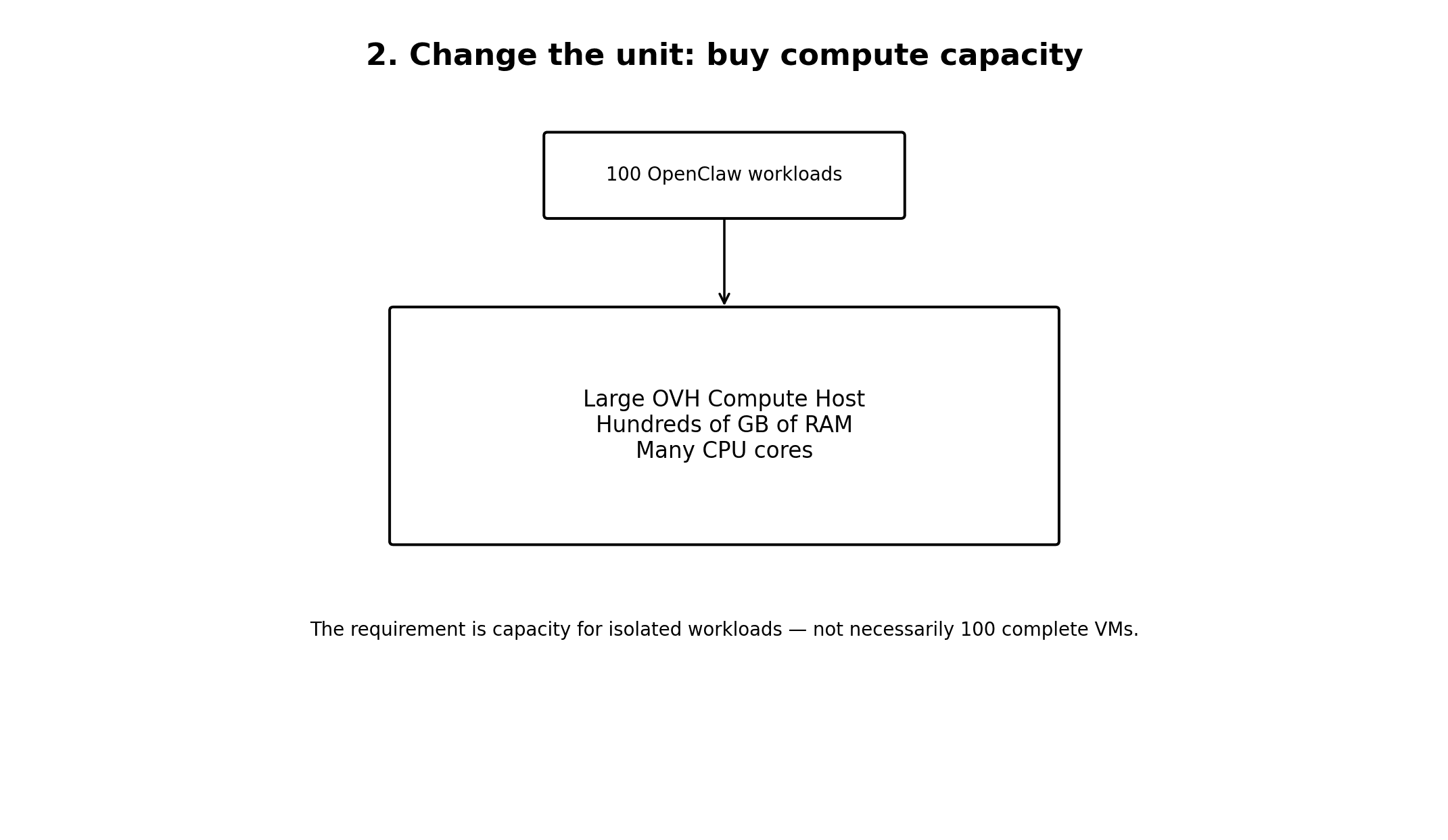
Once the requirement is expressed as compute capacity—memory, CPU, storage, and network—the design space opens up.
3. Replace full VMs with Docker containers
A VM carries its own operating system, background processes, reserved memory, storage, and virtualization overhead. An OpenClaw tenant can instead run in a dedicated Docker container on a larger physical host.
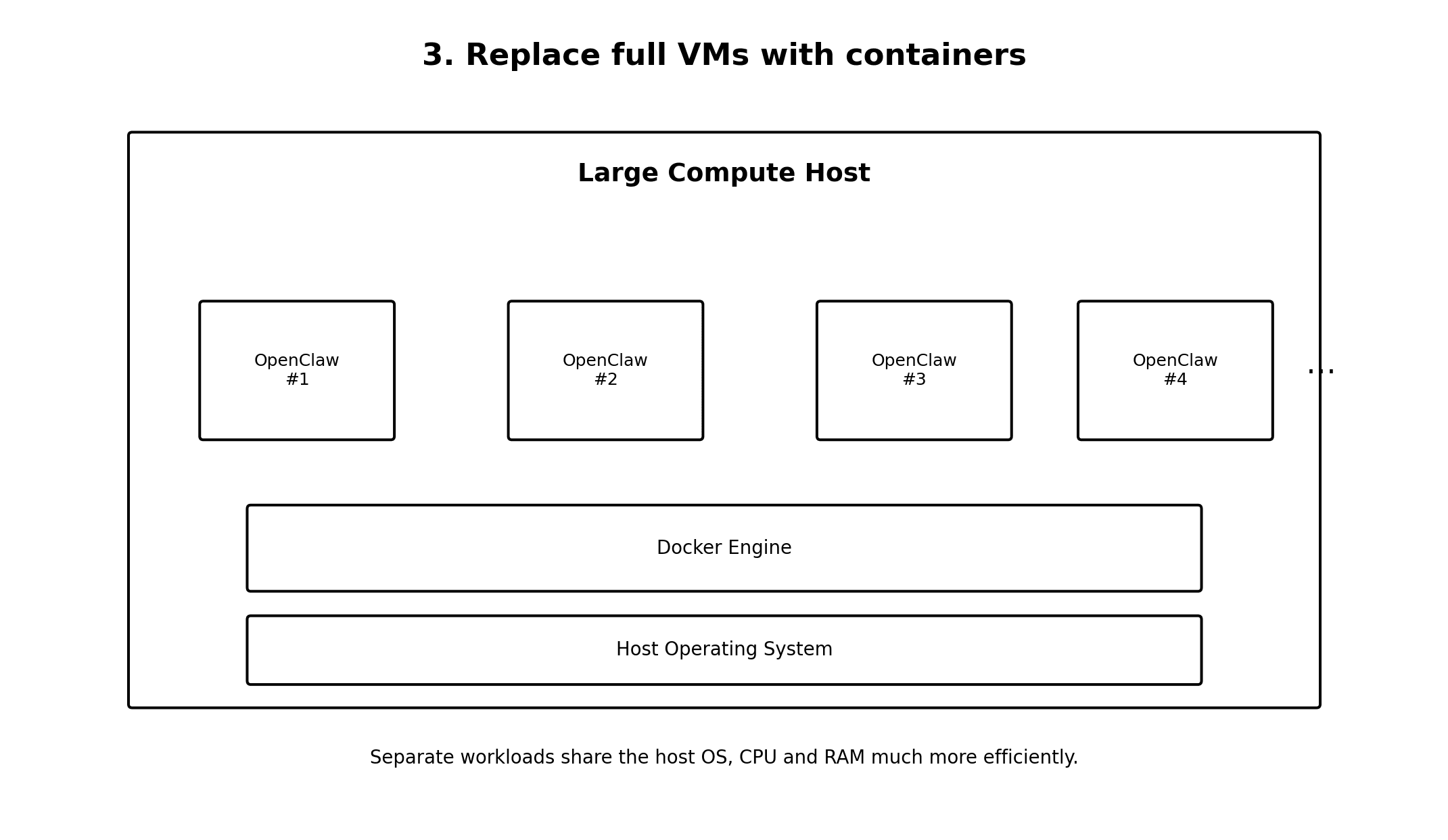
The host’s CPU and RAM can now serve the actual OpenClaw workloads rather than 100 copies of operating-system overhead.
4. Give a containerized OpenClaw a graphical browser
Containers created a less obvious problem: there is no desktop GUI. A conventional containerized browser runs headless, but an OpenClaw is far more useful when it can operate a full, non-headless browser as if a screen were attached.
I worked around that limitation with a virtual display inside the environment. The browser can launch in normal graphical mode and render to that virtual screen even though the data-centre host has no physical monitor. OpenClaw gets the browser capabilities it needs while the workload still keeps the efficiency and isolation of a container.
This matters for more than visual fidelity. Some websites behave differently in headless browsers, and a complete graphical browser gives the worker a more representative web environment for legitimate, user-directed tasks.
5. Keep every customer isolated
Density is useless if one customer can inspect or interfere with another customer’s environment. Each tenant still needs to behave like a private machine.
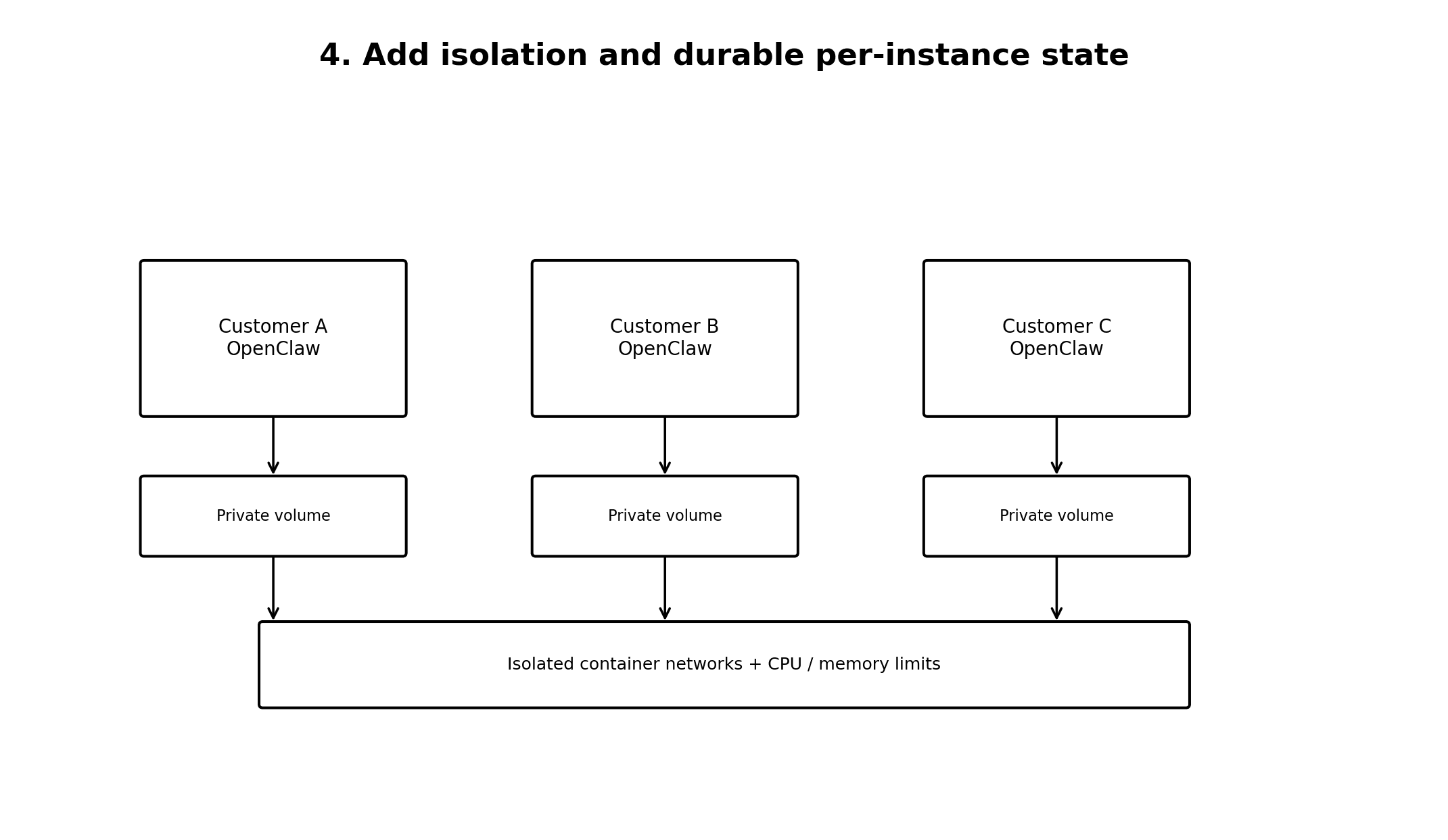
- Separate containers provide process isolation.
- Isolated Docker networks constrain tenant traffic.
- CPU and memory limits prevent noisy-neighbour failures.
- Separate persistent volumes keep durable state apart.
- Per-tenant configuration and secrets prevent credential crossover.
6. Give each OpenClaw a clean network identity
Customers should not need to understand hostnames with arbitrary port numbers. A public routing layer can hide the implementation details and select the correct private container from a hostname.
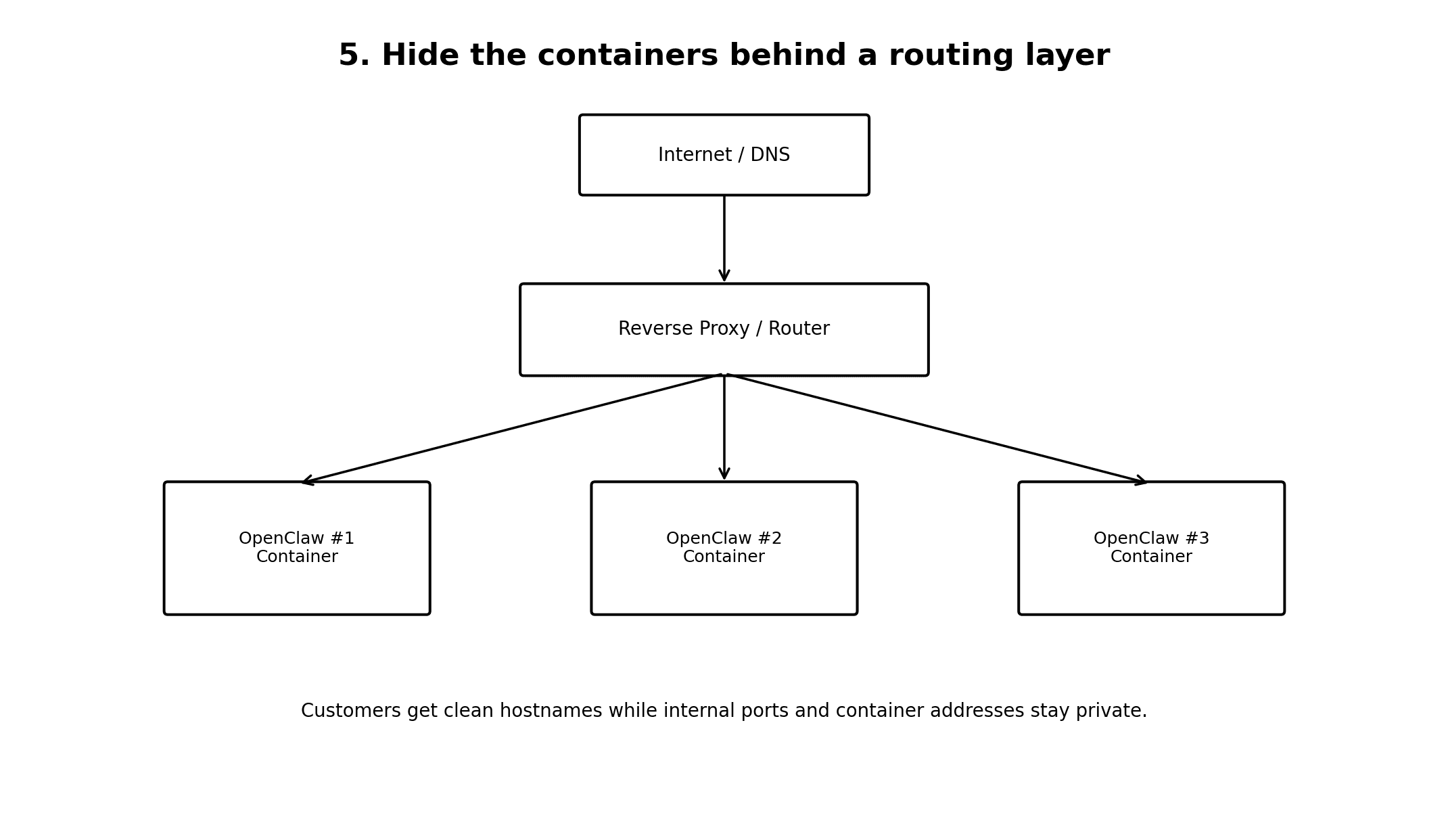
The proxy or tunnel becomes the controlled boundary between the public Internet and the private container network.
7. Route browser traffic through a residential IP
A browser running in a data centre still looks like it is coming from a data centre. Many services score data-centre IP ranges more aggressively, which can lead to additional challenges or blocks even during ordinary browser use.
I connected the hosting network to a residential network with Tailscale and configured the OpenClaw browser traffic to use that residential node as its exit path. The OpenClaw stays on efficient data-centre compute, while its outbound browser connection originates from the residential IP.
The result is a browser network profile closer to the one a person normally uses at home, reducing false positives from broad anti-bot measures. It does not override a website’s rules: OpenClaw still needs to follow the terms, permissions, and rate limits of every service it uses.
8. Turn OpenClaw provisioning into software
Once a tenant is a container plus configuration, storage, networking, and credentials, creating an environment no longer means manually building another server.
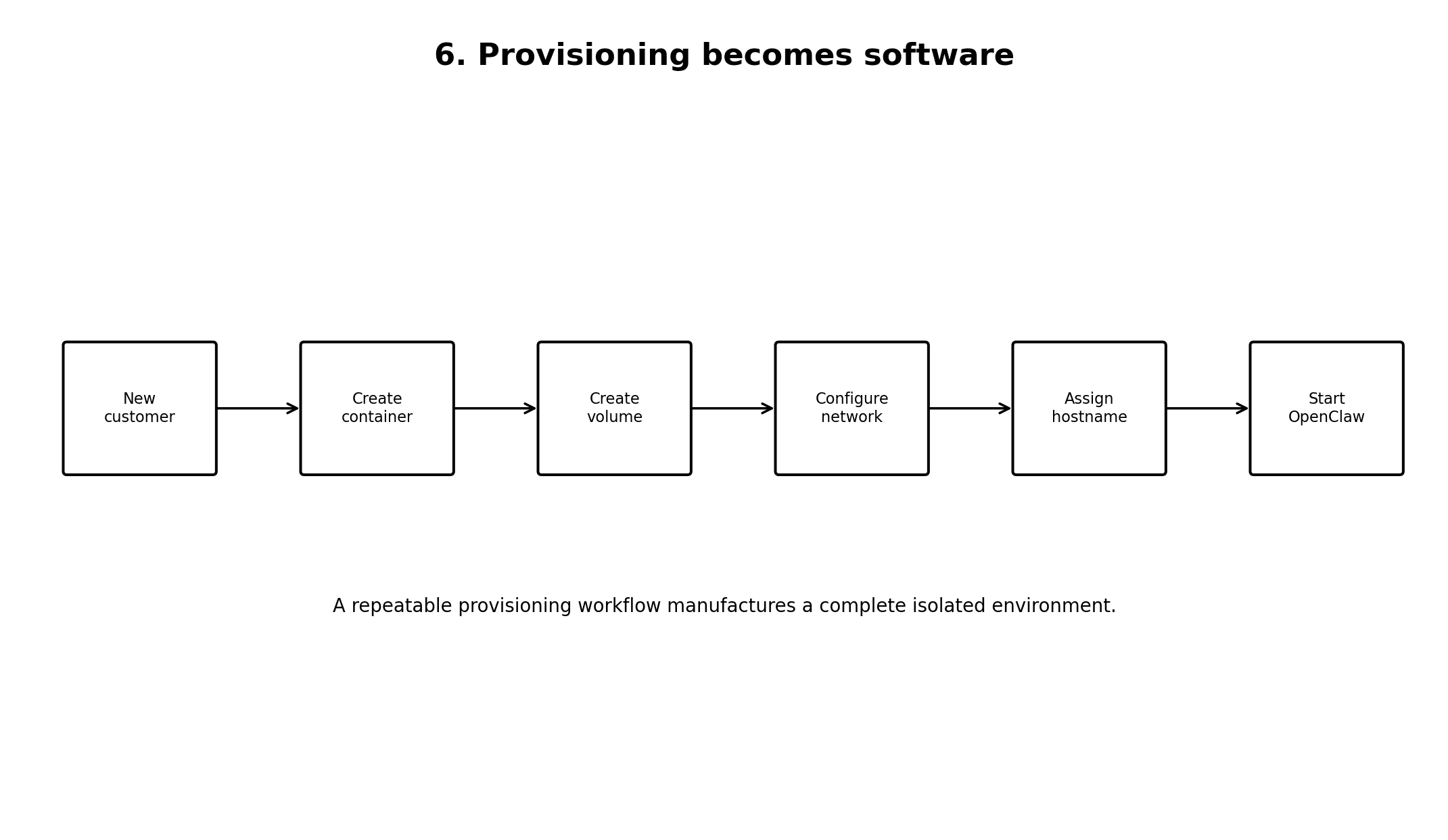
A provisioning service can create the container and volume, configure the network, apply resource limits, generate tenant configuration, assign routing, and start and verify the instance. Infrastructure becomes part of the application.
9. Scale OpenClaw horizontally
Eventually one large host fills up. That does not require a new architecture; it requires another host in the compute pool.
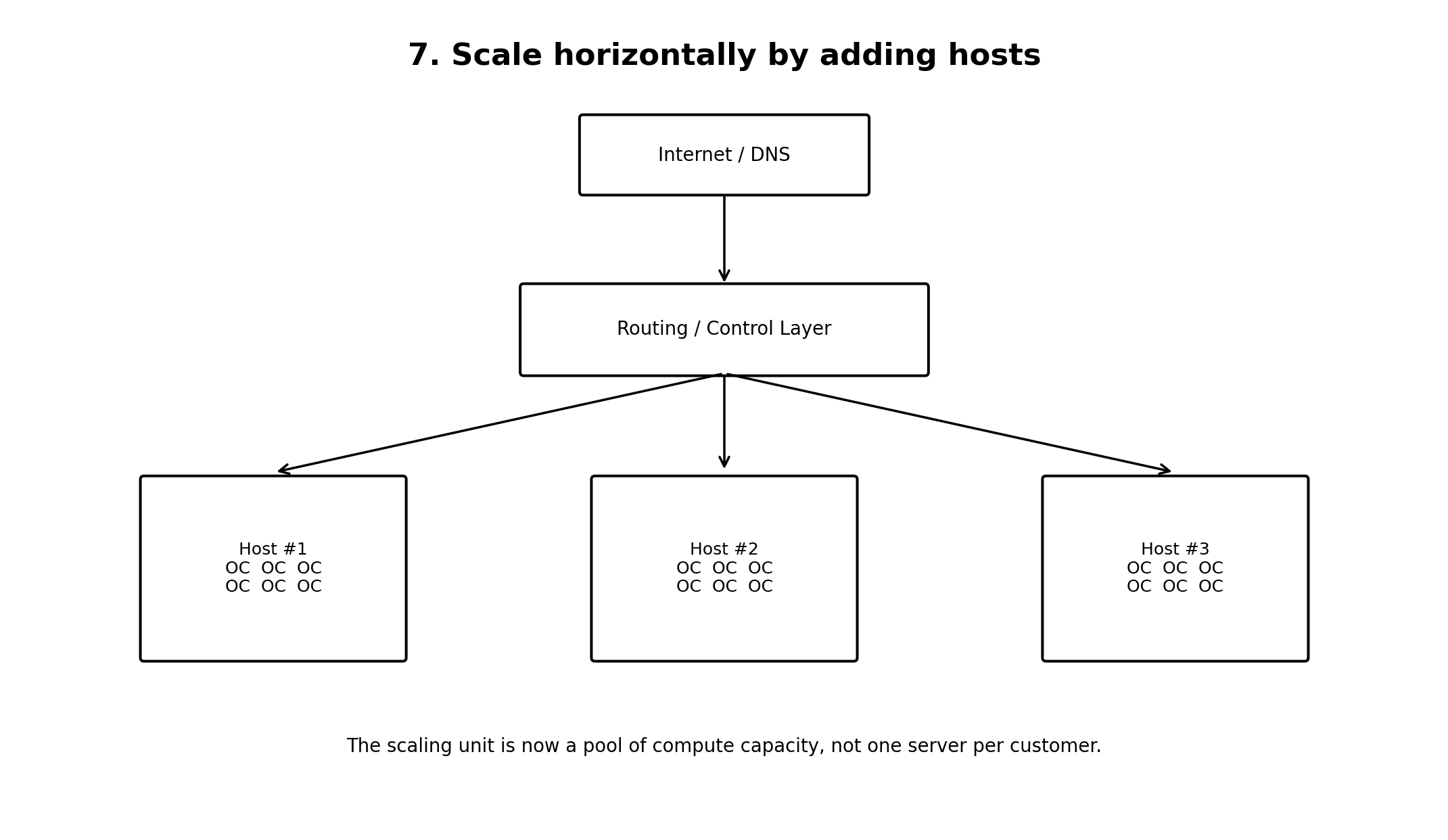
The bigger idea: isolate workloads, not whole servers
The important change is the unit of infrastructure. The first model is one customer equals one server. The more useful model is one customer equals one isolated workload.
That distinction lets us consolidate CPU, memory, storage, and networking while still presenting each customer with an independent OpenClaw environment.
Dedicated VMs → large compute hosts → isolated containers → virtual displays → residential egress → automated provisioning → horizontally scalable OpenClaw infrastructure.
Comments 0
No comments yet. Start the conversation.